
Run the stand
Live Monitor
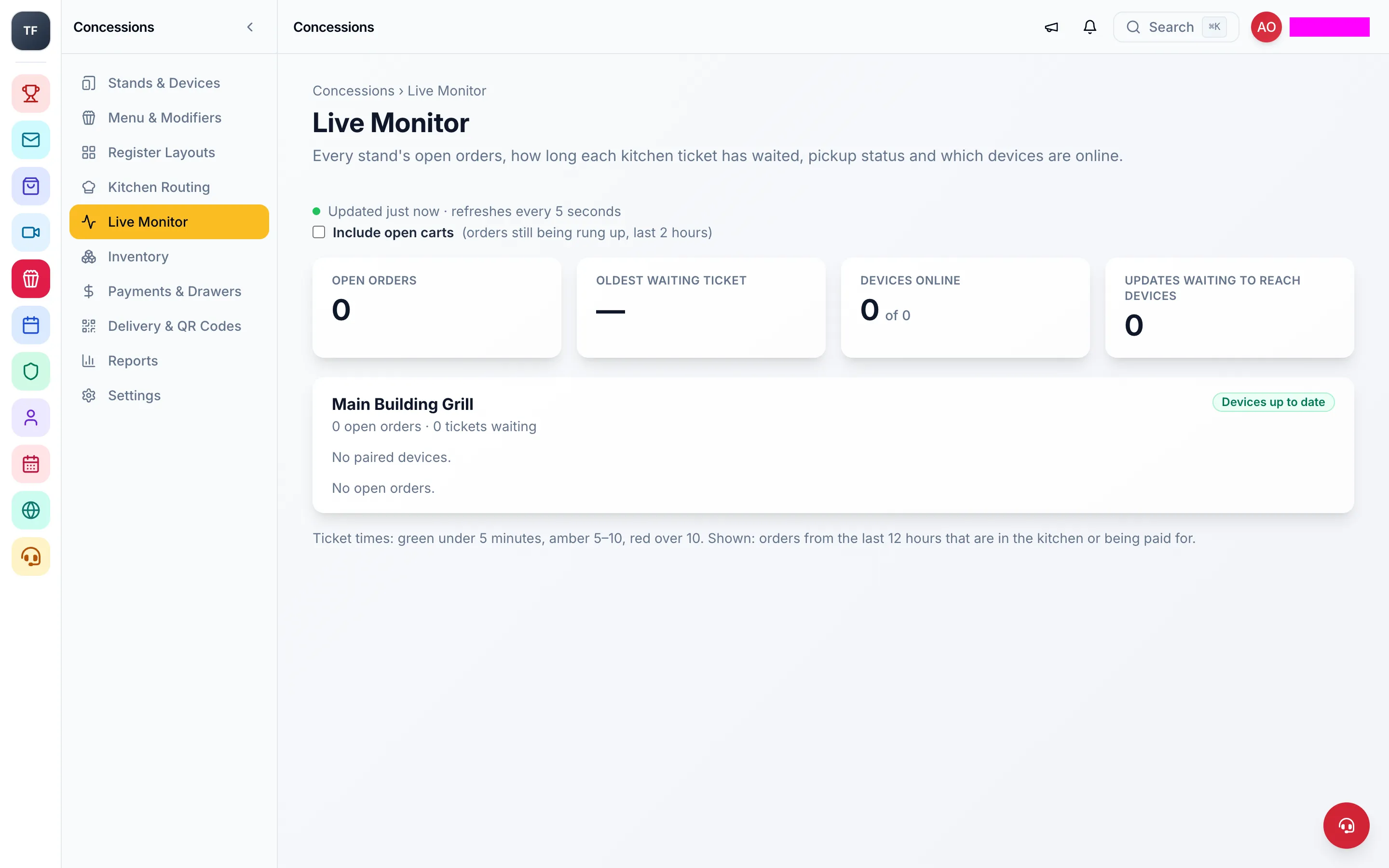
Section titled “Live Monitor”Concessions › Live Monitor shows what’s happening right now: open orders, kitchen tickets and how long they’ve waited, orders ready for pickup, and which devices are online and on which app version.
Inventory
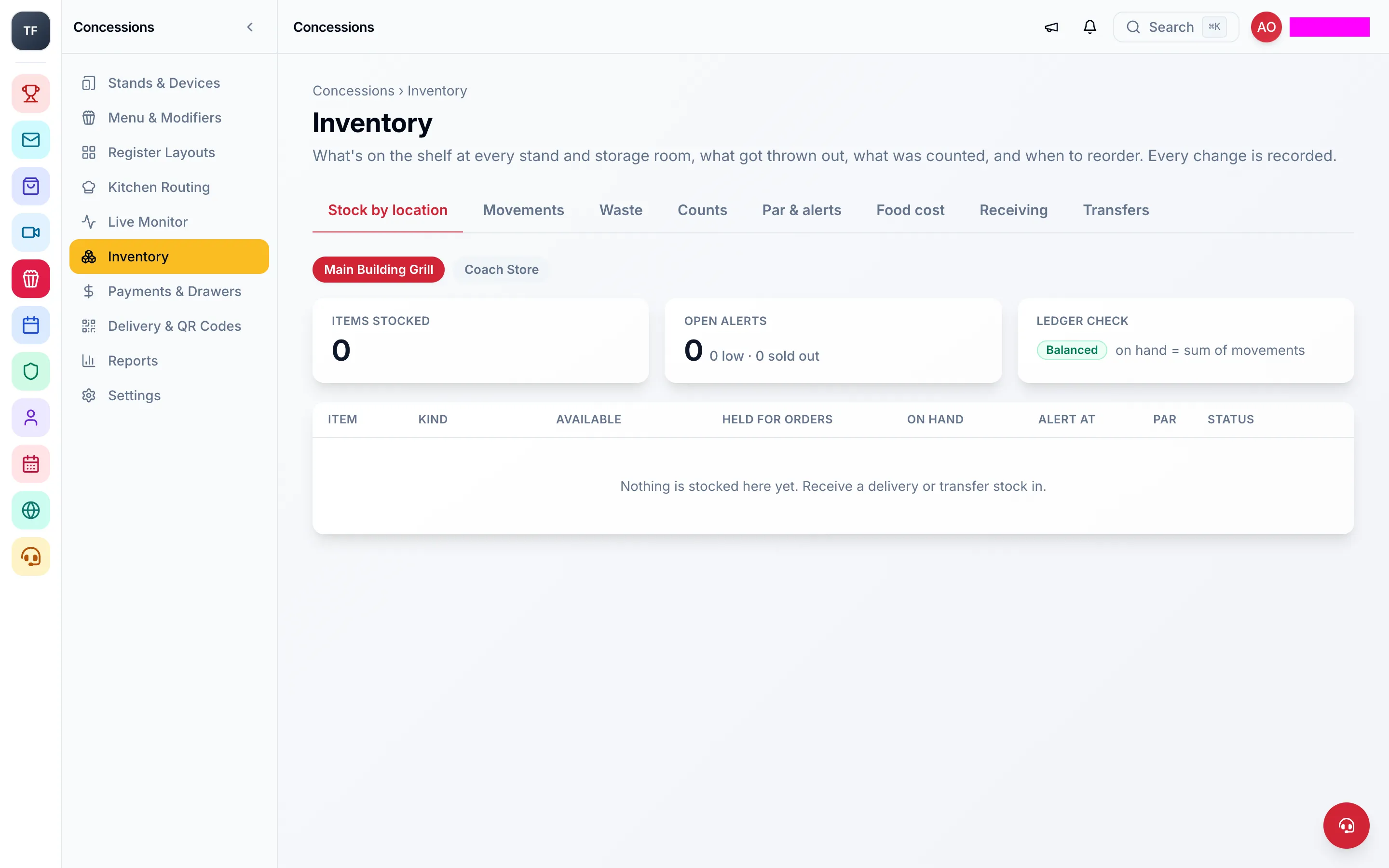
Section titled “Inventory”Concessions › Inventory keeps stock at each stand. Its tabs:
| Tab | Use it to |
|---|---|
| Stock by Location | See what’s available, held for open orders and on hand at each stand |
| Movements | See every change to stock and why |
| Waste | Record spoilage and drops |
| Counts | Count the stand and fix the numbers |
| Par & Alerts | Set the level to reorder at, and see what’s low |
| Food Cost | See each item’s recipe cost and margin |
| Receiving | Record a delivery from a supplier |
| Transfers | Move stock between stands |
Payments & Drawers
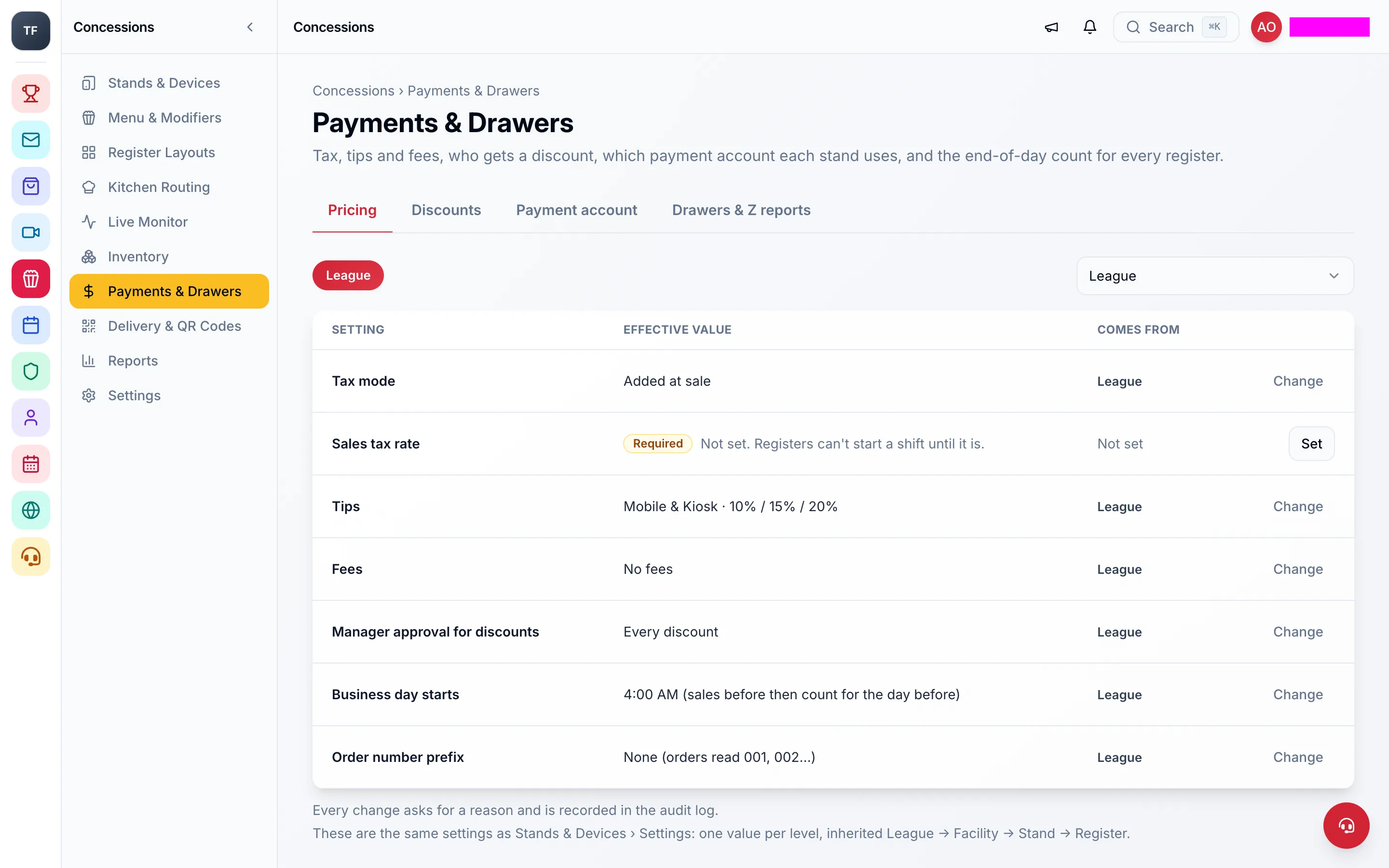
Section titled “Payments & Drawers”Concessions › Payments & Drawers has four tabs:
- Pricing: pricing rules.
- Discounts: discounts and comps, and which need a manager’s approval.
- Payment Account: the league’s card processor, used for card payments at the register and online.
- Drawers & Z Reports: open and close cash drawers and print the end-of-day Z report, with any amount over or short.
Guest ordering: Delivery & QR Codes
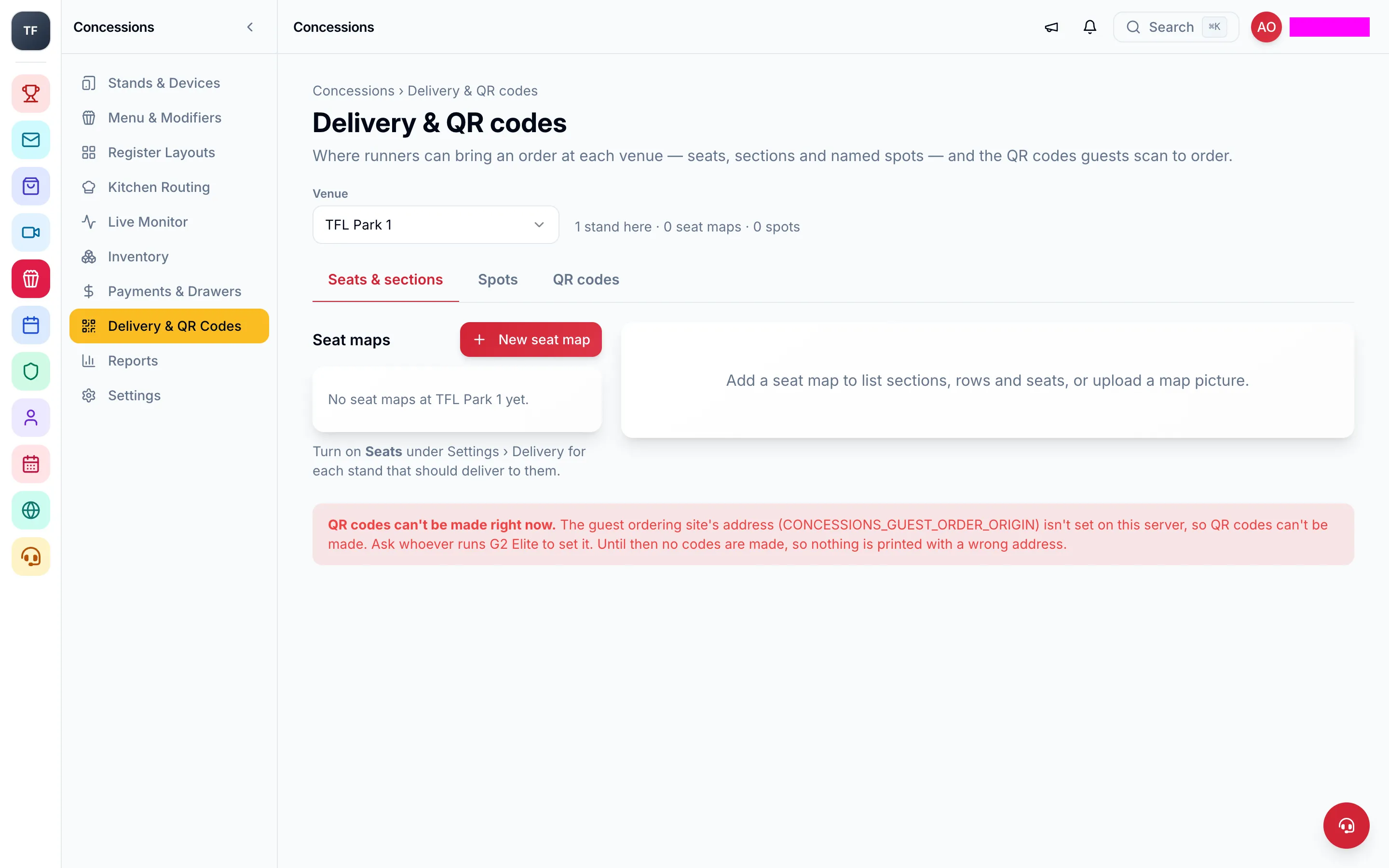
Section titled “Guest ordering: Delivery & QR Codes”Guests can order from their phone by scanning a QR code at the stand, in the stands, or at their seat. On Concessions › Delivery & QR Codes:
- Seats & Sections and Spots set where orders can be delivered.
- QR Codes makes the codes to print. Turn on pickup for a stand, then print its code.
The guest’s page shows the menu, takes payment, and follows the order through Preparing to Ready.
Reports
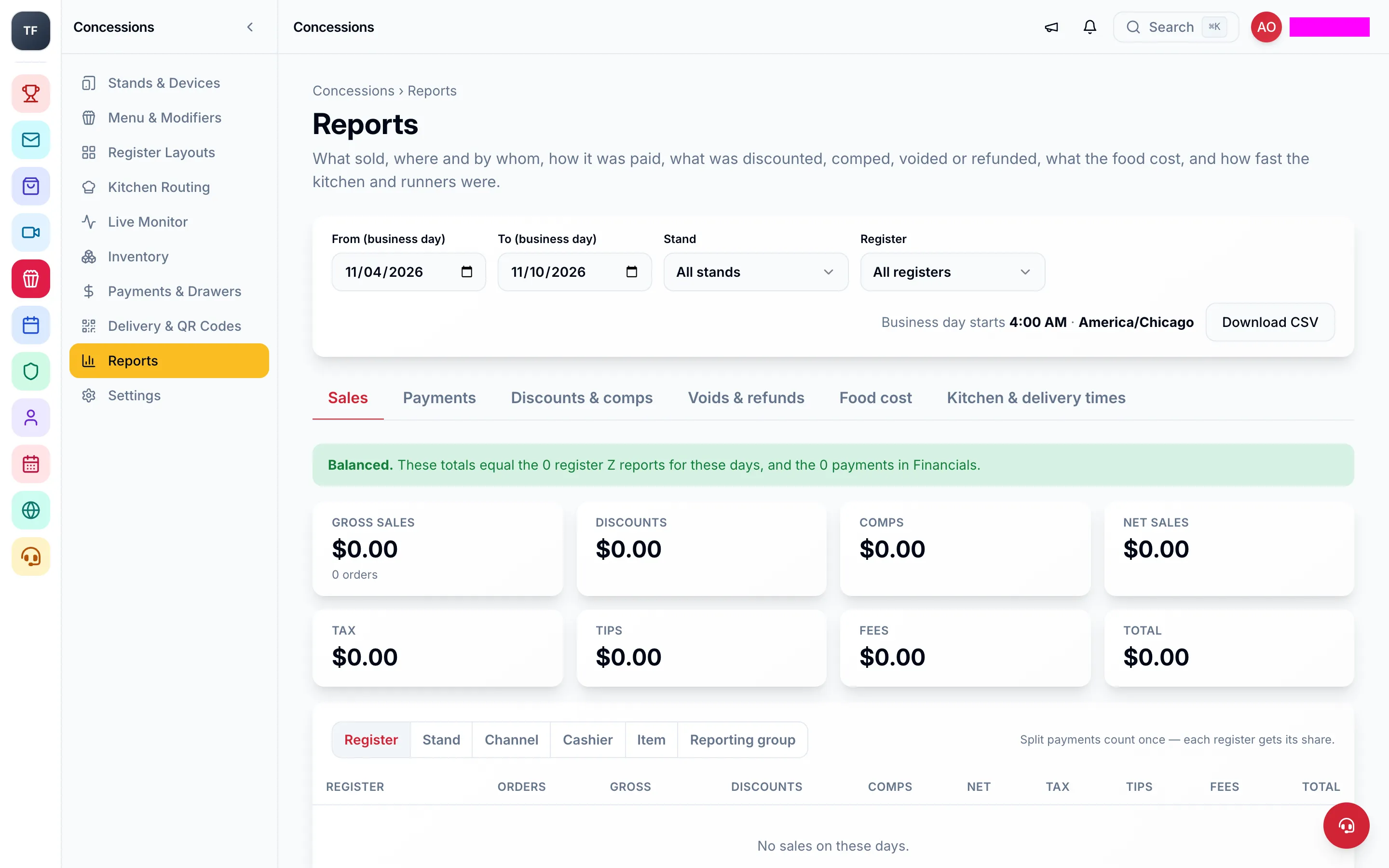
Section titled “Reports”Concessions › Reports covers sales by item, reporting group, stand, register and cashier; payments and tenders; tips and fees; discounts, comps, voids and refunds; food cost and margin; and kitchen ticket times. Every report downloads as CSV.
Pausing ordering
Section titled “Pausing ordering”To stop ordering at one stand, click Pause now on Stands & Devices › Settings. To stop Concessions everywhere, turn the module off in Settings › Modules. Registers show “Concession ordering is paused” within about a minute, and come back by themselves when it’s turned on again, with no re-pairing.